
Torchie - Volume Button Torch3.2.1 - Google Play
You'll be able to see results in few seconds.
Publisher Description



Innovative physical hardware button key for flashlight. No Root. Open Source!
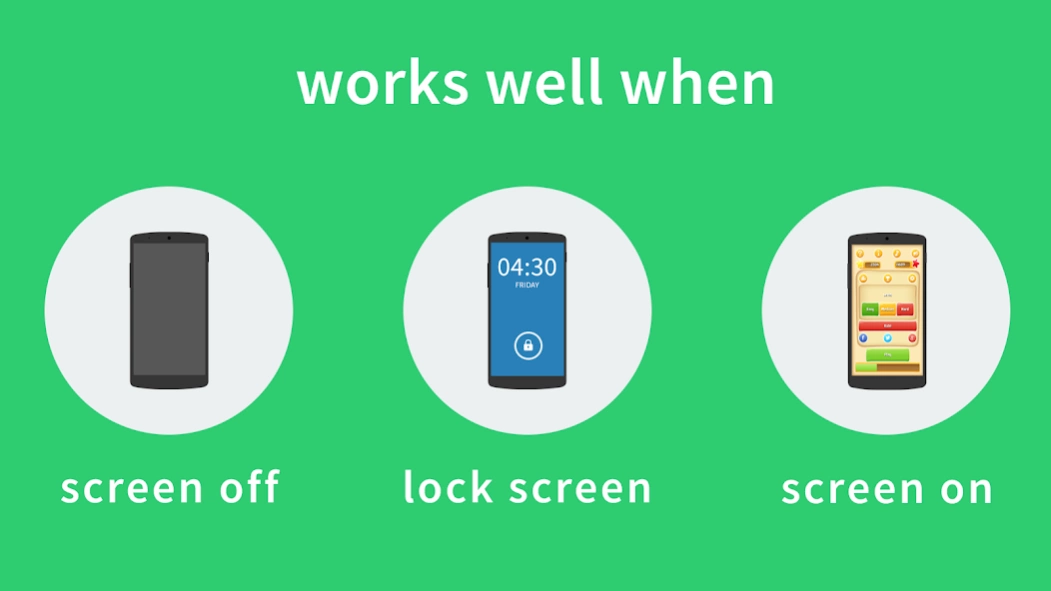
Turn on/off super bright flashlight / LED / torch on your phone instantly by holding both volume buttons / keys together! It's quick, fast, and innovative. It works in screen on, lock screen and screen off (when enabled from settings). Just works anytime! It makes you feel that you have a handy conventional battery-operated torch with physical hardware button access! it's tiny, small, free and runs silently as a background service. Absolutely no root required!This app uses Accessibility services
Torchie requires a service to run in background to intercept PHYSICAL VOLUME BUTTON KEY presses. Since a normal 'Service' cannot intercept Hardware Key presses, an 'Accessibility Service' is needed for this purpose. It does not do anything apart from intercepting Volume Key presses. It is also to be noted that, without internet access, information if collected may also be within the device and not sent out threatening your privacy.
TORCHIE IS OPEN SOURCE NOW!
Get the full source code here : https://github.com/anselm94/Torchie-Android
FEATURES:
★ Turn on/off torch / flashlight / LED just by holding volume Buttons / keys together
★ Works in screen on, lock screen, even while screen off (when enabled from Settings)
★ Open Source (Source code: https://github.com/anselm94/Torchie-Android)
★ Balanced power consumption (Zero usage to operate in screen ON and lock screen conditions)
★ Standalone torch / flashlight / LED app
★ Easy, innovative and handy Material Design UI
★ Very light, tiny and small (~1 MB)
★ No privacy / security issues
★ No Root required
★ No framework / plugin required
★ No Ads and No spyware
★ Free & forever it is so
❤ Donation is available as In-App purchase
https://github.com/anselm94/Torchie-Android/wiki/FAQs
Also, Torchie does not have 'Internet Permission'. So it's impossible to send anything to anyone!
Torchie's source code is available here https://github.com/anselm94/Torchie-Android. You can go through every line of code!
Give a second thought please before giving NEGATIVE REVIEWS
We aren't a company. We are brothers. We have no reason to collect anything from you! We made Torchie out of passion to make something innovative. So, If you find Torchie useful, please donate to support us! It'll greatly help us! :)
https://torchieapp.wordpress.com/donate
NOTE:
1. For Android 4.0.3 ICS, 4.1 JB, 4.2 JB users ONLY
Flashlight / torch / LED may turn on if you swipe to change volume in volume Panel. (Tip: Disable for screen on)
2. Screen off will not work by default
Torchie functionality is disabled by default in screen off, to prevent battery drain. Using in lock screen will not cause/accelerate battery drain. Advice is that using in lock screen is handy
Learn more: https://torchieapp.wordpress.com/help
PERMISSIONS EXPLAINED:
1. In-app purchases
Donate us conveniently from within the app.
2. Camera
Camera and flash are treated as same unit till Android version 6.0 (Marshmallow)
3. Bind to an accessibility service
To detect your hardware physical volume key presses
4. Prevent device from sleeping
Needed only when enabled for screen off
5. Control flashlight
6. Control vibration
Having any issues?
Help & FAQ @ https://github.com/anselm94/Torchie-Android/wiki
Open a issue @ https://github.com/anselm94/Torchie-Android/issues
Contact Us @ https://torchieapp.wordpress.com/contact
About Torchie - Volume Button Torch
The company that develops Torchie - Volume Button Torch is Anselm and Anselm. The latest version released by its developer is 3.2.1.
To install Torchie - Volume Button Torch on your Android device, just click the green Continue To App button above to start the installation process. The app is listed on our website since 2019-06-07 and was downloaded 0 times. We have already checked if the download link is safe, however for your own protection we recommend that you scan the downloaded app with your antivirus. Your antivirus may detect the Torchie - Volume Button Torch as malware as malware if the download link to in.blogspot.anselmbros.torchie is broken.
How to install Torchie - Volume Button Torch on your Android device:
- Click on the Continue To App button on our website. This will redirect you to Google Play.
- Once the Torchie - Volume Button Torch is shown in the Google Play listing of your Android device, you can start its download and installation. Tap on the Install button located below the search bar and to the right of the app icon.
- A pop-up window with the permissions required by Torchie - Volume Button Torch will be shown. Click on Accept to continue the process.
- Torchie - Volume Button Torch will be downloaded onto your device, displaying a progress. Once the download completes, the installation will start and you'll get a notification after the installation is finished.
Program Details
System requirements
Download information
Pricing
Version History
version 3.2.1
posted on 2019-06-07
* [FIX] Screen Off mode not working on devices running Android 9.0 Pie
* [FIX] Removed in-app language change settings
* [FIX] Few settings like Proximity Sense not getting persisted
* [FIX] Other fixes & improvements
version 2.0
posted on 2016-05-18
VERSION 2.0 ,* NEW! Prevent accidentally turning on flash while in pocket with 'proximity sense' feature,* NEW! Time-out for flash,* NEW! Receive notifications promptly at boot time if 'Torchie service' is disabled,* NEW! Language selection in Settings,* NEW! Turn 'off' flash in screen off without enabling screen-off functionality, Translations added!,Albanian - DhimitriAG@XDA,Afrikaans - SniperShotgun@XDA,Bulgarian - S.Y.@XDA,Chinese - efni@github
Disclaimer
Official Google Play Link
We do not host Torchie - Volume Button Torch on our servers. We did not scan it for viruses, adware, spyware or other type of malware. This app is hosted by Google and passed their terms and conditions to be listed there. We recommend caution when installing it.
The Google Play link for Torchie - Volume Button Torch is provided to you by apps112.com without any warranties, representations or guarantees of any kind, so access it at your own risk.
If you have questions regarding this particular app contact the publisher directly. For questions about the functionalities of apps112.com contact us.
